Quick answer: the devices that cost you the most while “off” are rarely the phone chargers everyone tells you to unplug. They’re the forgotten ones: the guest-room TV with its cable box and soundbar, a game console set to instant-on, a UPS plugged into nothing, a dehumidifier waiting for summer. Researchers at Lawrence Berkeley National Laboratory put standby power at 5 to 10 percent of home electricity use, and the Department of Energy says it could cost a household as much as $100 a year. Here are twelve ways to find yours and cut it, without unplugging the things that need to stay on.
Do idea 1 tonight (it’s free and takes two minutes with your utility’s app), then ideas 3 and 4, which cost nothing. Ideas 5 and 6 are the only ones that involve buying something.
Find it first
1. Read your “3 a.m. number”
If your utility has a smart meter, its website or app probably shows usage by the hour. Look at the hours between about 2 and 5 a.m., when nobody is cooking, washing or watching anything. That overnight floor is your home’s always-on load: the fridge, the furnace fan if it’s running, and every device sitting in standby.
Write that number down. It’s the baseline you’re trying to lower, and checking it again a week after you make changes is the easiest way to see whether anything worked.
Skip it if your utility only gives monthly totals. Use idea 2 instead.
2. Put a plug-in meter on the suspects
A plug-in electricity usage monitor sits between a device and the outlet and shows what it draws. Plug the TV setup, the console or the home-office strip into it, turn everything “off,” and read the watts.
The math is simple. A device that draws power around the clock runs 8,760 hours a year, so multiply its standby watts by 8,760 and divide by 1,000 to get kilowatt-hours. Then multiply by the rate on your bill.
LBNL notes that most individual products now draw less than half a watt in standby, down from 1 to 3 watts about twenty years ago. The catch is that homes have far more of them, so the total hasn’t shrunk much. That’s why measuring beats guessing. Our energy monitoring smart plug comparison lines up meters, smart plugs and advanced strips by job.
Unplug what you’ve forgotten about
3. Start with things you rarely or never use
LBNL’s standby research team says the highest priority is older appliances you rarely or no longer use. Walk the house and look for the guest-room TV and its set-top box and soundbar, an old stereo or DVD player, empty battery chargers, network gear that isn’t connected to anything, and a battery backup (UPS) with nothing plugged into it. Anything with a remote control or a lit display that you no longer use is a candidate.
Try it if you have a spare room, a basement den or a home office that gets used a few times a month.
4. Unplug seasonal gear for the off-season
The same LBNL list calls out equipment that sits idle for months: window air conditioners, portable humidifiers and dehumidifiers, air purifiers you only use in allergy season, e-bike and golf-cart chargers in winter, and corded garden tools. Heated pet beds also make the list when they aren’t in use.
Right now, in late fall, the window AC and the summer dehumidifier are the obvious ones. Put a sticky note on the plug so whoever needs it next knows to plug it back in, which is LBNL’s own suggestion.
5. Put the entertainment center on one switch
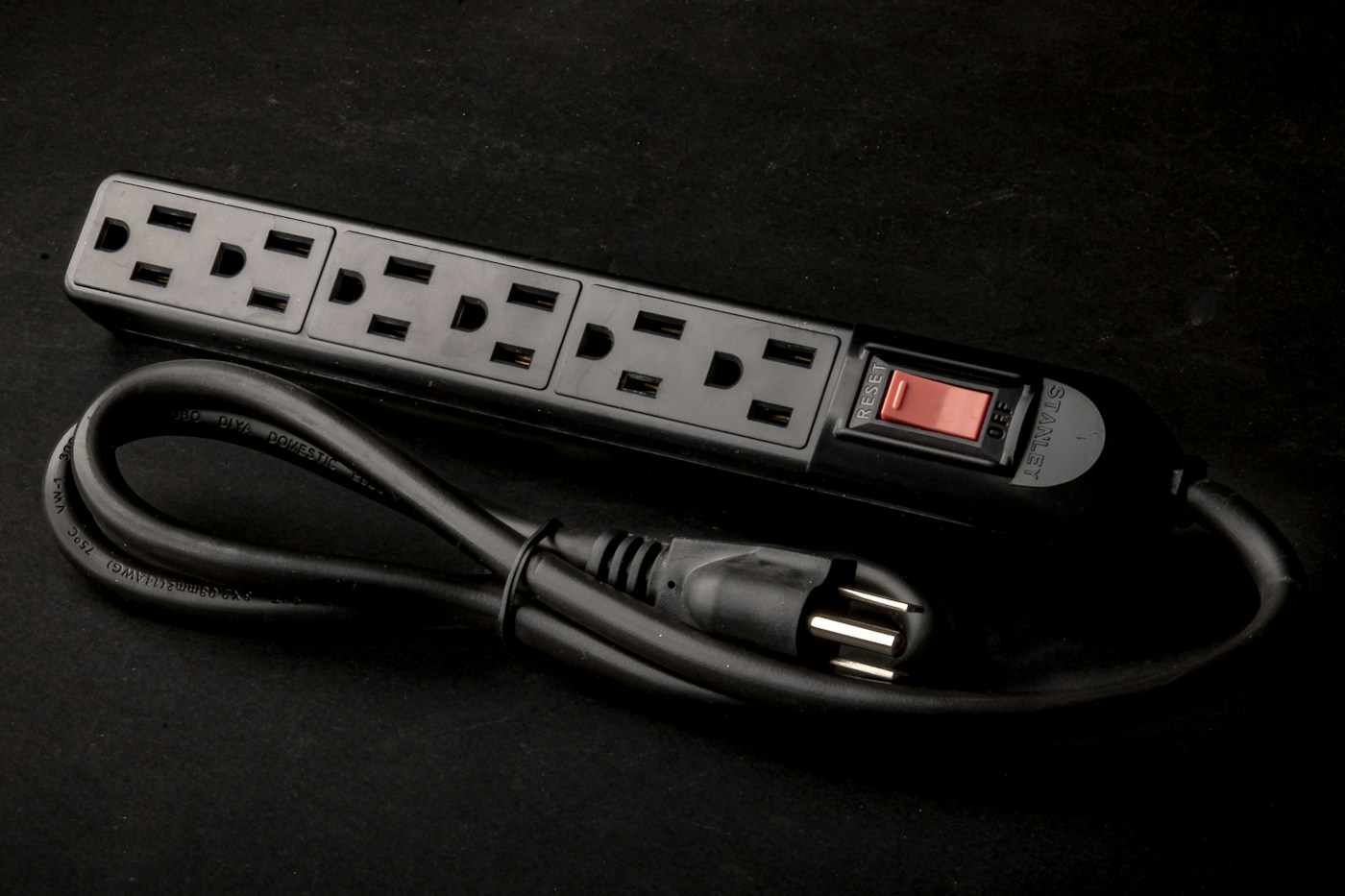
The Department of Energy suggests plugging electronics into a power strip with an on/off switch and flipping it off when you’re done. A TV, streaming box, soundbar and console on one switched strip go from “standby” to truly off with one press.
Choose a strip with built-in overload protection, as the U.S. Fire Administration recommends, and don’t overload it. Leave anything that records or updates overnight (see idea 12) on a separate outlet.
6. Or let an advanced power strip do it for you
If you won’t remember to flip a switch, an advanced power strip can. The most common type, described in Pacific Northwest National Laboratory’s guide for builders, has one “control” outlet for the main device, usually the TV or computer. When you turn that device off, the strip cuts power to the “controlled” outlets for the accessories. Some models also let you adjust how sensitive the strip is so it reliably detects when the main device is off.
Two cautions from that guide: the strip itself should draw less than 1 watt, and some devices shouldn’t go on a controlled outlet, including recorders, cable boxes that take a long time to reboot, and printers that need to park their heads.
Skip it if your TV setup is just a TV with built-in apps; there’s little to cut.

Change settings instead of unplugging
7. Switch the game console out of instant-on
Consoles often ship set to wake quickly, listen for voice commands and download updates in the background. ENERGY STAR found that switching an Xbox One from “Instant On” to “Energy Saving” cut its standby power use by 98 percent. Newer consoles have similar choices in their power settings, so look for an energy-saving or rest-mode option and a setting that turns controllers off after a period of inactivity.
8. Plug the cable box into the TV, not through the console
This one surprises people. ENERGY STAR notes that routing a cable or satellite box through an Xbox kept the console drawing power whenever you watched TV, even if you never touched a game. Its advice: plug the set-top box into the TV’s first HDMI port and the console into a second one.
9. Stream from the TV or a small media player
Using a game console as your streaming box is convenient but power-hungry. ENERGY STAR says a digital media player uses 15 times less energy than a game console for streaming, and a smart TV’s built-in apps remove the extra device altogether.
10. Let the computer sleep
LBNL’s list of easy fixes includes simply enabling sleep mode on computers. Set the computer and monitor to sleep after a short idle period. If your desk has a printer, speakers and a monitor, an advanced strip with the computer as the control device handles the rest; our under-desk cable plan shows where to mount the strip so it’s easy to reach.
11. Turn off features you don’t use
Some appliances have energy-using extras you can switch off rather than unplug. LBNL suggests putting a hot water recirculation pump on a timer so it runs only when you need it, switching off the hot or cold side of a bottled-water dispenser you don’t use, and turning off a heated toilet seat in summer.
Small kitchen appliances you only use now and then, like a rice cooker or bread maker, are also on LBNL’s unplug list, and DOE mentions the toaster oven as an example of something that doesn’t need to stay plugged in.
Know what to leave alone
12. Keep the essentials plugged in
Standby power isn’t all waste. LBNL points out that it often does useful work, and advises thinking before you unplug and watching what happens afterward. Leave these on:
- The refrigerator and freezer. The U.S. Fire Administration says major appliances like refrigerators should plug directly into a wall outlet, not a power strip.
- Your internet modem and router, unless you’re comfortable with them rebooting every morning.
- DVRs and anything that records on a schedule.
- Plug-in smoke or carbon monoxide alarms, security systems and medical devices.
- Anything whose cord is worn or damaged. LBNL advises not plugging and unplugging devices with worn cords; replace them instead.
Unplug, switch, or leave on?
| Device | Best move |
|---|---|
| Guest-room TV, set-top box, soundbar | Unplug, or one switched strip |
| Main TV corner | Switched or advanced strip; cable box straight to the TV |
| Game console | Energy-saving power mode |
| Computer and monitor | Sleep settings; advanced strip for accessories |
| Window AC, dehumidifier, humidifier | Unplug for the off-season |
| Rarely used kitchen gadgets | Unplug between uses |
| Fridge, freezer | Leave on, directly in the wall outlet |
| Modem, router, DVR, alarms, medical devices | Leave on |
- Note your overnight usage from the utility app.
- Check every room for lit displays and standby lights.
- Unplug anything you haven’t used in a month.
- Unplug summer-only equipment and label the plugs.
- Change the console’s power mode.
- Move the cable box’s HDMI cable to the TV.
- Set computer sleep times.
- Check the overnight number again in a week.
When you replace something, check its standby
The Department of Energy notes that many ENERGY STAR products have lower standby power than comparable non-certified ones. It’s worth a look the next time you replace a TV, monitor or appliance, since that device will sit in standby for years.
Tools that help
Affiliate disclosure: As an Amazon Associate I earn from qualifying purchases. These links open Amazon search results for each type of item, not recommendations for a specific model we’ve tested. Look for a recognized safety certification on anything that plugs into the wall.
Standby is one piece of the bill. For the bigger drains, like an old garage fridge or a water heater set too hot, see 15 things quietly raising your electric bill, and for a full plan, 12 ways to cut your electric bill without solar.
Sources: Lawrence Berkeley National Laboratory, Standby Power · LBNL, What Can I Unplug Now? · U.S. Department of Energy, standby power · ENERGY STAR, Configuring Game Consoles to Use Less Energy · PNNL Building America Solution Center, Smart Power Strips · U.S. Fire Administration, Electrical Fire Safety. General guidance, not a hands-on product test. See our editorial policy.
Keep reading
More ways to save at home
THE KINDRED JOURNAL
Latest from the journal
- What Holiday Lights Really Cost to Run: LED vs. Incandescent, With the Math for Your Own Display
 Read the watts off each tag, multiply by your hours and your own rate, and the answer is clear: eight incandescent strings cost about $25.70 a season in our worked example and their LED versions about $2.18, big C9 bulbs pay back an LED swap in about three seasons, and working mini lights can wait.
- Ideal Indoor Humidity in Winter: Find Your Number, Check Your Meter, Then Add Only What the Room Needs
 Aim for 30 to 50% and never humidify past 50%, let the windows set the limit on the coldest nights, salt-test your hygrometer before you trust it, seal drafts first because a whole bedroom needs only about 4½ ounces of water, and clean the tank on a schedule: a winter humidity guide with the math worked out.
- Toy Storage Ideas: 13 Ways to Make Room Before the Holiday Toy Wave
 Edit the toys before the gifts arrive, give each kind of play one open bin on an anchored low shelf, keep small parts and spare batteries out of a toddler’s reach, skip latching lids and rotate the extras: thirteen toy storage ideas for the weeks before and after the holidays.
- Best Gift Wrap Organizers: 5 Picks for a Closet Corner, Under the Bed or the Back of a Door
 An upright box that holds up to 32 long rolls, a 41.5-inch under-bed bag for big collections, a water-resistant zip bag, an over-the-door organizer and a slim canvas case for eight rolls: five gift wrap organizers matched to the space you can give them.
- Cord and Cable Storage: 13 Ideas for the Spare Chargers, Cables and Adapters Nobody Can Find
 Match every cable to a device you still own, keep a sensible number of spares by connector type, coil them loosely, label the mystery bricks, hang the extension cords and send old batteries and dead cables to a proper drop-off: thirteen ways to store spare cords so the right one turns up in seconds.
- Window Condensation in Winter: Find Which Side the Water Is On, Then Match Humidity to the Forecast
 Do the wipe test to tell room-side fog from a failed seal, check a hygrometer against the outdoor low, keep humidity at or under 40% above 20°F and 30% below 10°F, run the fans, open the curtains by day and dry wet sills the same morning: a window condensation guide with a worked cold-week example.
- How to Clean a Range Hood Filter Before Holiday Cooking: Know Your Filter Type, Then Put It on the Calendar
 Wash metal mesh and baffle filters in hot soapy water or the dishwasher, replace charcoal filters instead of rinsing them, never run the hood with the filter out, and clean the weekend before Thanksgiving and again before Christmas: a range hood filter guide with a worked holiday cleaning calendar.
- Drying Clothes Indoors in Winter: Where the Rack Goes, How Much Rail You Need and What It Saves
 One load gives off about 2 liters of water as it air-dries, so put the rack where that moisture can leave, keep it 3 feet from the space heater, count inches of rail before you buy, space and turn the heavy things, watch humidity and window condensation, and know what the dryer you’re skipping really costs: indoor drying with the math.
- Hat, Glove and Scarf Storage by the Door: One Bin Per Person, Sized to What They Actually Wear
 Keep a daily set plus one dry spare per person, size an open bin for each from a quick measurement, dry wet mittens before they go in, clip pairs together, hang woven scarves and fold knits, skip long scarves on the playground and wash wool before it’s sealed away: a hat and glove station with a worked bin-size example.