Quick answer: if you only want to know what your devices draw while “off,” a plug-in meter like the Kill A Watt P4400 tells you without an app or Wi-Fi. If you want to watch a device over weeks and switch it off from your phone, an energy-monitoring smart plug does both; pick the one that matches your smart-home setup. And if the goal is simply to kill standby power at the TV, an advanced power strip does that with no app at all. Here are six options, grouped by the job each one does.
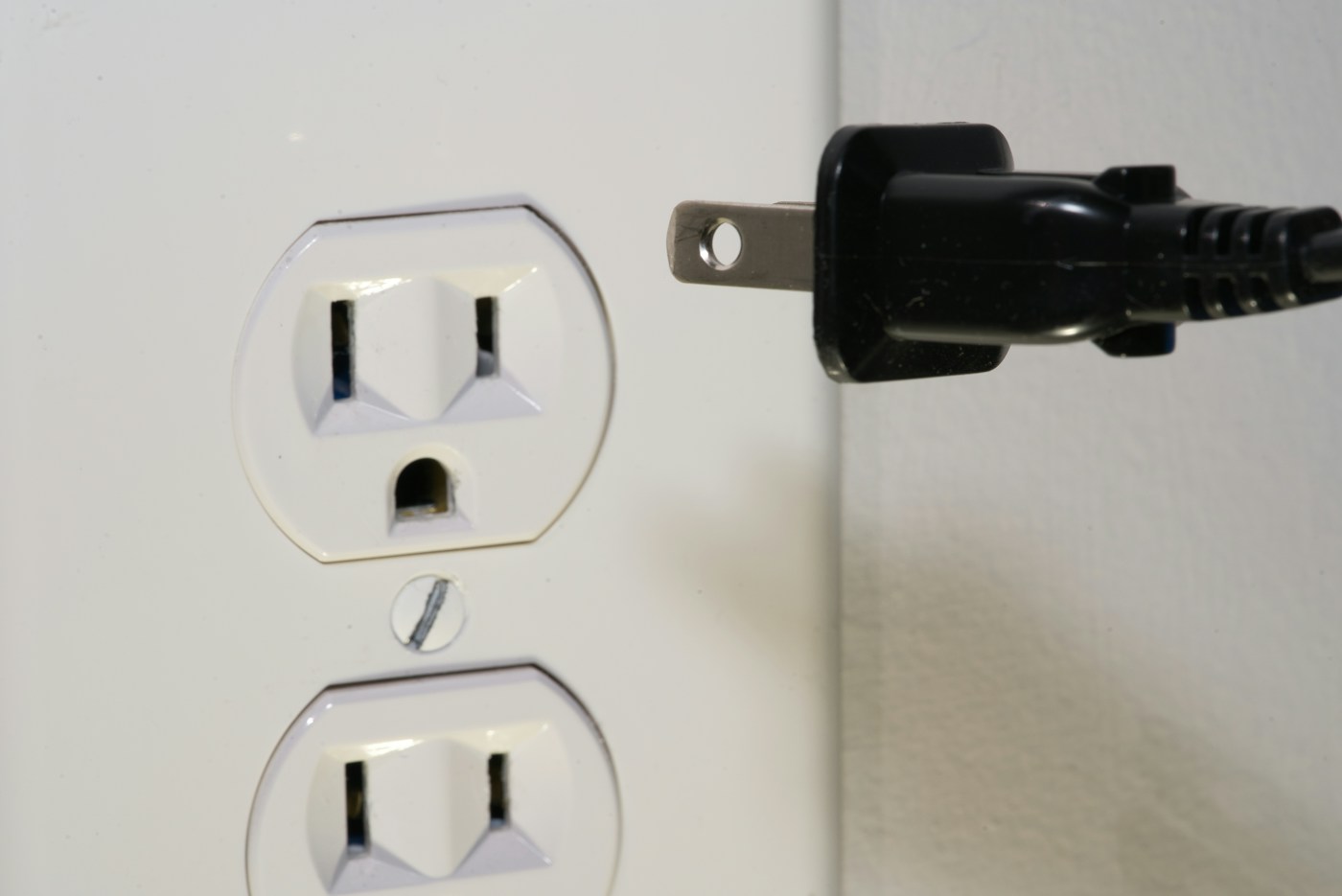
Measure first, no app: P3 Kill A Watt P4400. Apple Home, Google Home or Alexa via Matter: Kasa KP125M. Local control over Thread: Eve Energy (Matter). A whole TV or desk setup: Kasa HS300 power strip. Lighter loads in the Emporia app: Emporia Smart Plug. Cut TV standby automatically, no app: TrickleStar TS1104 advanced power strip.
Why bother? Lawrence Berkeley National Laboratory puts standby power at 5 to 10 percent of home electricity use, and the Department of Energy says it can cost a household as much as $100 a year. Our phantom power guide covers the free fixes; this page is for when you want a tool to find or cut the rest.
Affiliate disclosure: As an Amazon Associate I earn from qualifying purchases. Three links below open product listings whose ASINs we found on third-party pages; the others are clearly labeled Amazon searches for the brand and model. Check the model number and pack size on the live listing before you order.
The six side by side
Ratings and sizes are as listed by the manufacturer or a retailer. Where sources differ, we say so in the product notes.
| Product | Type | Listed load rating | Connects via | Best for |
|---|---|---|---|---|
| P3 Kill A Watt P4400 | Plug-in meter, LCD | 15 A, 1,875 VA | None | One-off measurements |
| Kasa KP125M | Smart plug | 15 A, 1,800 W resistive | Wi-Fi, Matter | Mixed smart-home ecosystems |
| Eve Energy (Matter) | Smart plug | 15 A, 1,800 W | Thread, Matter (hub needed) | Local control, Apple-heavy homes |
| Kasa HS300 | Smart power strip, 6 outlets + 3 USB | 15 A, 1,875 W total | 2.4 GHz Wi-Fi | TV corner, home office |
| Emporia Smart Plug | Smart plug | 10 A continuous, 15 A peak | 2.4 GHz Wi-Fi | Electronics and lighter loads |
| TrickleStar TS1104 | Advanced power strip, 7 outlets | Not listed on the source page | None | Automatic TV-setup shutoff |
P3 International Kill A Watt P4400
Listed: 115 VAC operating, 125 VAC max · 15 A max · 1,875 VA max · 0.2% accuracy · displays volts, amps, watts, hertz, VA, kilowatt-hours and power factor · cost forecasting by day, week, month or year · 5⅛ × 2⅜ × 1⅝ in · 5 oz
The simplest tool here. Plug it into the wall, plug a device (or a power strip of devices) into it, and read the watts on its screen. The datasheet also lists cumulative kilowatt-hours and a cost forecast, so you can leave it on a device for a day and see what that adds up to.
It’s a good first purchase because it tells you whether a smart plug is worth it. If your TV corner reads 1 watt while off, there isn’t much to save. If it reads 15, there is.
No app, no account, no Wi-Fi; works on most plug-in devices within its rating; you can move it from room to room in an afternoon.
Anyone who wants to switch devices off remotely, set schedules or see a usage history over weeks. It measures, it doesn’t control.
P4400 datasheet (via Farnell). ASIN taken from an older Amazon link on a third-party page; confirm the model is the P4400 on the listing.
Kasa Smart Plug Slim with Energy Monitoring, KP125M
Listed: 15 A / 1,800 W for general or resistive loads, 1/6 HP motor · 100–120 V · 2.6 × 1.5 × 1.6 in · Matter certified · UL listed · indoor, 32–104°F · sold as a 2-pack
Matter is the shared smart-home standard, so this plug can be set up in Apple Home, Google Home or Alexa. Kasa says it’s slim enough that two can share one duplex outlet. Its listing describes real-time and historical usage, and lets you enter your electricity rate, including time-of-use pricing, for cost estimates.
The catch: energy data lives in the Kasa app. A 2023 review by BGR found that the Matter connection passed along on/off control but not the energy readings. Check current app support if you want usage numbers inside Apple Home or Google Home.
Works with the big three ecosystems, doesn’t block the second outlet, and the rate setting turns watts into dollars.
Anyone who wants energy graphs in their main smart-home app rather than a separate one, or who needs an outdoor plug.
Kasa product page · BGR review (2023). ASIN taken from an Amazon link in that review; confirm the pack size on the listing.
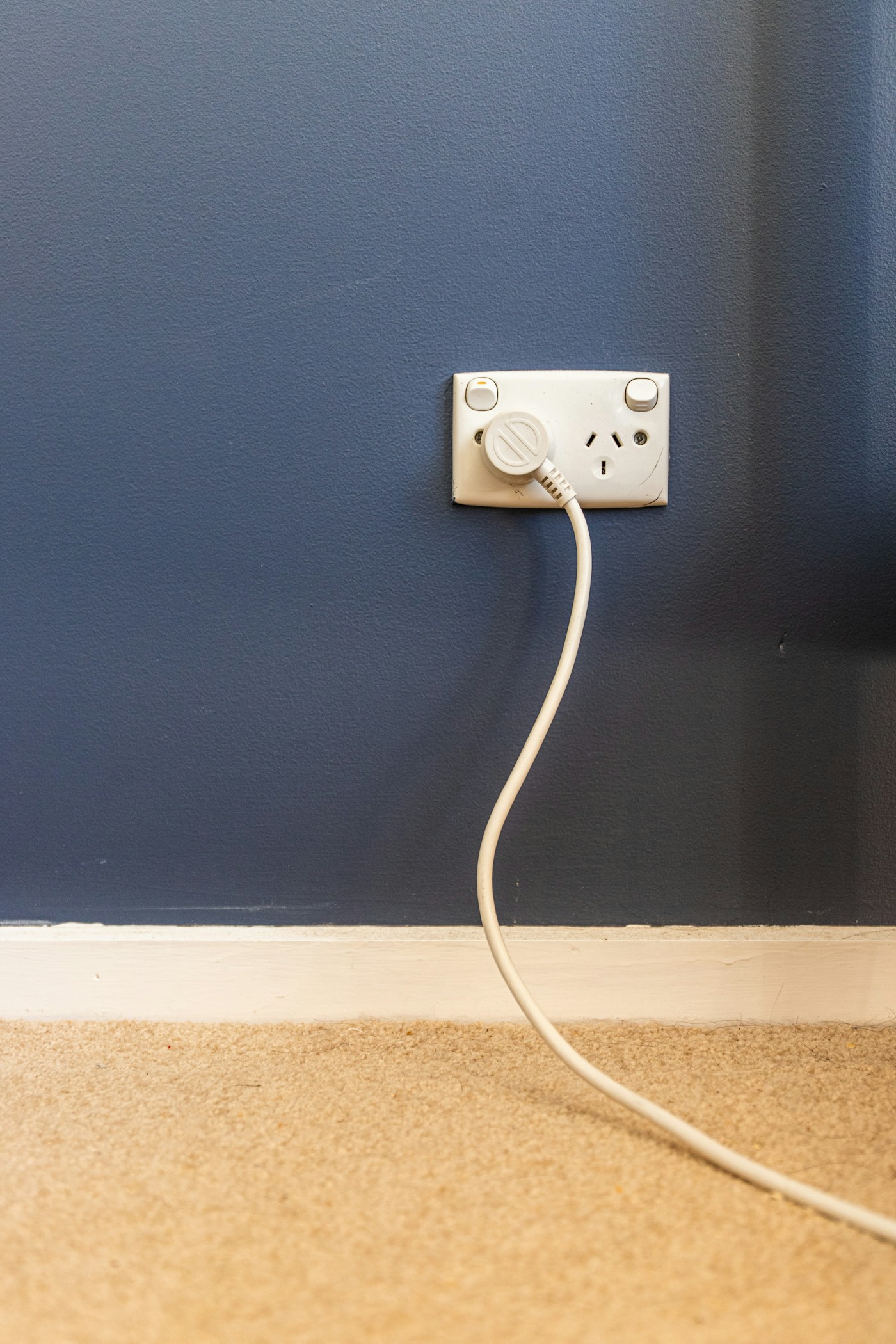
Eve Energy Smart Plug & Power Meter (Matter)
Listed: 15 A, up to 1,800 W · 2.8 × 1.5 × 2.4 in · Thread, Matter · plug’s own consumption under 1 W · child lock · works with Apple Home, Alexa, Google Assistant and SmartThings · MFR 10037863
Eve’s plug talks over Thread, a low-power mesh network, and works locally rather than through a cloud account. The Eve app shows consumption graphs and projected costs. It’s one of the few plugs here that lists its own power draw, under 1 watt.
The requirement to know up front: you need a hub that supports both Thread and Matter, sold separately. Many recent smart speakers and streaming boxes include one, but check yours before buying.
Local control, a stated standby figure for the plug itself, and a child lock.
Anyone without a hub that supports Thread and Matter, or anyone who’d rather not add one just for a plug.
B&H specifications. Labeled search link: we could not confirm an ASIN.
Kasa Smart Wi-Fi Power Strip HS300
Listed: 6 individually controlled smart outlets · 3 USB ports, 5 V / 2.4 A · 15 A, 1,875 W total · ETL-certified surge protection, Type 3 SPD · 14.2 × 2.5 × 1.5 in · 2.4 GHz Wi-Fi, no hub · Alexa and Google Assistant
The TV corner and the desk are where standby devices cluster, and this strip puts six of them on individually switchable outlets with energy monitoring for what’s plugged in. You can schedule the guest-room TV, soundbar and console to switch off overnight, and leave the router outlet alone.
Two notes from the listings. Kasa’s product page and TP-Link’s v2 datasheet give different voltage protection ratings (500 V and 600 V), and neither lists a joule rating or cord length. And the pages don’t spell out whether each outlet is measured separately, so check the current listing if per-device numbers matter to you.
One device covers a whole entertainment setup, with surge protection and USB charging.
Apple Home users (the listing names only Alexa and Google Assistant), and anyone with a 5 GHz-only network.
Kasa product page · HS300 v2 datasheet. ASIN from a manual-listing site; confirm it’s the HS300 on the page.
Emporia Smart Plug
Listed: 10 A continuous, 15 A peak for up to 1 hour per day (120 V) · 2.4 GHz Wi-Fi only · Alexa and Google Home · manual power button · 3.3 × 1.5 × 1.1 in · not for outdoor use · 1-year warranty
Emporia’s plug tracks energy use in the Emporia app, with schedules and remote control. Its help center is unusually clear about limits: “continuous use” means more than 10 amps for an hour or longer, and going over the limit triggers an email and a 24-hour shutoff for safety.
Clearly stated load limits and a physical button for when the app isn’t handy.
Anyone planning to use it on a high-draw appliance for long stretches. The 10-amp continuous limit is lower than the 15-amp ratings above. No safety certification was listed on the product page we checked, so look for one on the package.
Emporia product page · Emporia smart plug limitations. Labeled search link: we could not confirm an ASIN.
TrickleStar 7-Outlet Advanced Power Strip, TS1104
Listed: 7 outlets: 1 control, 4 switched, 2 always-on · current sensing · 1,080 joules surge protection · Tier 1 advanced power strip · 10-year manufacturer warranty (per a utility marketplace listing)
This doesn’t measure anything. It does the cutting for you. Plug the TV into the control outlet and the soundbar, streaming box and console into the switched outlets. When the TV turns off, the strip senses the drop in current and cuts the switched outlets. The two always-on outlets are for the router or a DVR.
Pacific Northwest National Laboratory’s guide to these strips adds two cautions: the strip itself should draw less than 1 watt, and recorders, slow-booting cable boxes and printers that need to park their heads shouldn’t go on a switched outlet.
Set it up once and it works without anyone remembering anything. Several US utilities sell advanced strips like this one through their online marketplaces.
Anyone who wants usage numbers or remote control. The source page we found doesn’t list a load rating or cord length, so check the box.
Duke Energy marketplace listing · PNNL, Smart Power Strips. Labeled search link: we could not confirm an ASIN. Check your own utility’s marketplace too.
Will a smart plug pay for itself?
A smart plug uses a little power itself, so it only saves money if it cuts more than it draws. The math is the same as for any always-on device: watts × 8,760 hours ÷ 1,000 = kilowatt-hours a year.
What not to plug into any of these
- Space heaters. The CPSC says to plug electric space heaters directly into a wall outlet, never into an extension cord or power strip. Our space heater cost guide covers the rest of the safety rules.
- Refrigerators, stoves, washers and dryers. The U.S. Fire Administration says major appliances should plug directly into a wall outlet.
- Anything over the plug’s rating. Check the appliance label against the listed amps and watts, and remember Emporia’s lower continuous limit.
- Medical devices, alarms and your router on anything scheduled to switch off.
How we chose
This is a research-based comparison from listed specs, not hands-on testing. We have not bought, installed or used these products. We looked for tools that either measure standby power or cut it, sold to US buyers, with load ratings and connectivity stated on a manufacturer, retailer or utility page, then grouped them by job rather than ranking them.
Specs come from P3’s datasheet, Kasa and TP-Link product pages and datasheets, B&H, Emporia’s product and help pages, and a Duke Energy marketplace listing, checked October 29, 2026. We didn’t include prices or ratings because they change. See our editorial policy.
- Measure first: a plug-in meter on your suspect devices shows whether there’s anything to save.
- Check your Wi-Fi: several of these need a 2.4 GHz network.
- Check your ecosystem: Matter, Thread hub, or a brand app.
- Check where energy data shows up: the brand app or your main smart-home app.
- Match the load rating to what you’ll plug in, including continuous limits.
- Look for a safety certification (UL or ETL) on the listing or box.
- Keep heaters and major appliances on the wall outlet.
Do smart plugs save electricity on their own?
No. They save power only when you use them to switch something off that would otherwise sit in standby or run when nobody needs it. The energy readings help you find which devices are worth it.
Can I borrow a plug-in meter instead of buying one?
Often, yes. Many public libraries lend Kill A Watt meters through a “library of things.” Some utilities lend or sell them too.
Smart power strip or advanced power strip?
A smart strip like the HS300 gives you app control and usage data. An advanced strip like the TrickleStar senses when the TV turns off and cuts the accessories automatically. If you only want the TV corner to shut itself off, the advanced strip is simpler. Our entertainment center organization guide covers the rest of that setup, from console clearance to anchoring the TV.
Sources: Lawrence Berkeley National Laboratory, Standby Power · U.S. Department of Energy, standby power · PNNL Building America Solution Center, Smart Power Strips · CPSC, Keep Warm and Safe This Winter (2026) · U.S. Fire Administration, Electrical Fire Safety. General guidance, not a hands-on product test.
Keep reading
More ways to save at home
THE KINDRED JOURNAL
Latest from the journal
- Toy Storage Ideas: 13 Ways to Make Room Before the Holiday Toy Wave
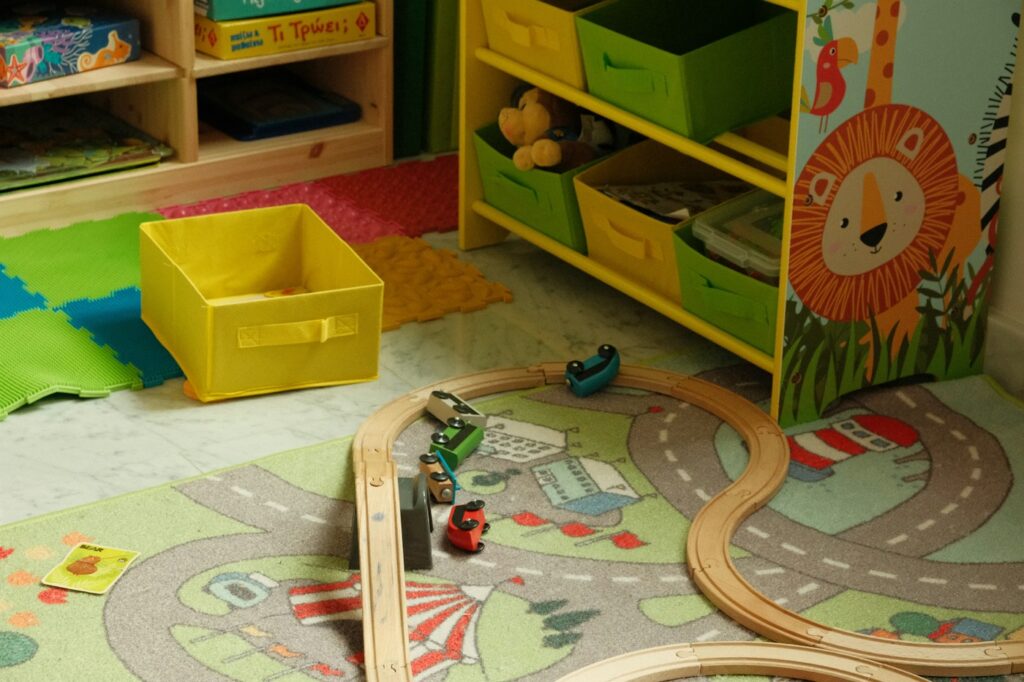 Edit the toys before the gifts arrive, give each kind of play one open bin on an anchored low shelf, keep small parts and spare batteries out of a toddler’s reach, skip latching lids and rotate the extras: thirteen toy storage ideas for the weeks before and after the holidays.
- Best Gift Wrap Organizers: 5 Picks for a Closet Corner, Under the Bed or the Back of a Door
 An upright box that holds up to 32 long rolls, a 41.5-inch under-bed bag for big collections, a water-resistant zip bag, an over-the-door organizer and a slim canvas case for eight rolls: five gift wrap organizers matched to the space you can give them.
- Cord and Cable Storage: 13 Ideas for the Spare Chargers, Cables and Adapters Nobody Can Find
 Match every cable to a device you still own, keep a sensible number of spares by connector type, coil them loosely, label the mystery bricks, hang the extension cords and send old batteries and dead cables to a proper drop-off: thirteen ways to store spare cords so the right one turns up in seconds.
- Window Condensation in Winter: Find Which Side the Water Is On, Then Match Humidity to the Forecast
 Do the wipe test to tell room-side fog from a failed seal, check a hygrometer against the outdoor low, keep humidity at or under 40% above 20°F and 30% below 10°F, run the fans, open the curtains by day and dry wet sills the same morning: a window condensation guide with a worked cold-week example.
- How to Clean a Range Hood Filter Before Holiday Cooking: Know Your Filter Type, Then Put It on the Calendar
 Wash metal mesh and baffle filters in hot soapy water or the dishwasher, replace charcoal filters instead of rinsing them, never run the hood with the filter out, and clean the weekend before Thanksgiving and again before Christmas: a range hood filter guide with a worked holiday cleaning calendar.
- Drying Clothes Indoors in Winter: Where the Rack Goes, How Much Rail You Need and What It Saves
 One load gives off about 2 liters of water as it air-dries, so put the rack where that moisture can leave, keep it 3 feet from the space heater, count inches of rail before you buy, space and turn the heavy things, watch humidity and window condensation, and know what the dryer you’re skipping really costs: indoor drying with the math.
- Hat, Glove and Scarf Storage by the Door: One Bin Per Person, Sized to What They Actually Wear
 Keep a daily set plus one dry spare per person, size an open bin for each from a quick measurement, dry wet mittens before they go in, clip pairs together, hang woven scarves and fold knits, skip long scarves on the playground and wash wool before it’s sealed away: a hat and glove station with a worked bin-size example.
- Guest Room That Doubles as Storage: Pick the Bed by Floor Space, Keep the Window Clear
 Count the nights the room really hosts, compare bed footprints before comfort, put storage on one wall behind a curtain, keep the window and door clear, leave guests half the closet and one drawer, and pack a single guest bin: a storage room that turns into a guest room in fifteen minutes, with a worked 10 by 11 foot example.
- Dining Room Storage for Holiday Hosting: Measure the Walkway First, Then Fit the Sideboard
 Measure the table with the leaf in, leave 44 inches where people walk and 32 where nobody passes, subtract the sideboard’s depth before you buy, anchor the hutch and give the leaf, extra chairs and holiday linens a home: dining room storage planned for the biggest night of the year, with a worked placement example.