Here’s a measurement that changes how most media consoles get set up: Sony asks for at least 10 cm, about 4 inches, of free space around each side of a PS5. That rules out a lot of snug cubbies, before you even get to the remotes in the couch cushions and the cord tangle behind the TV. This guide puts each thing in your entertainment center in its own spot, in an order that makes sense: count, measure, then the remotes, the consoles, the cords and the anchor that keeps the TV from tipping.
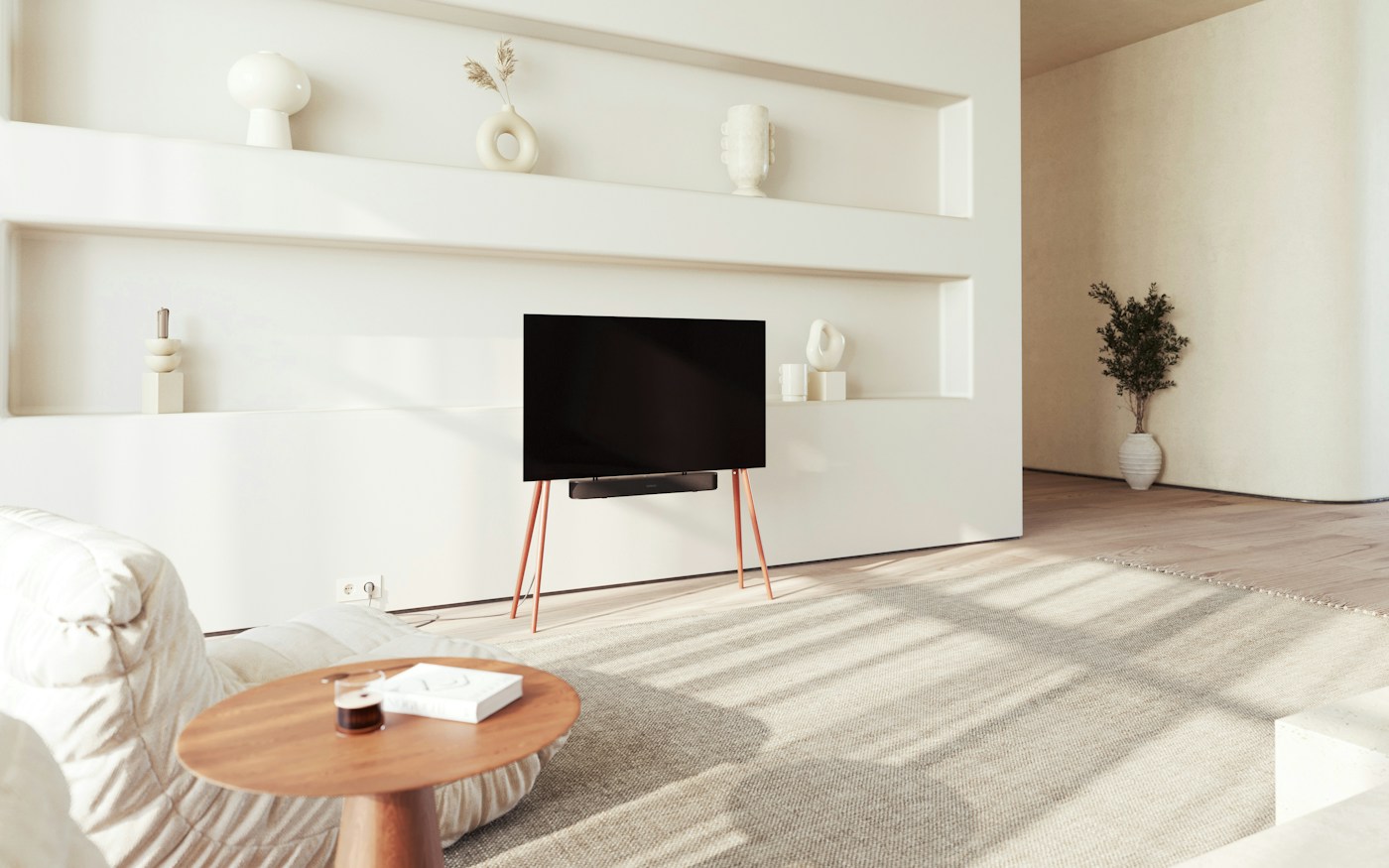
List everything that lives at the TV. Give each console its manufacturer’s clearance before deciding which shelf it goes on. Keep remotes in one low tray, out of reach of small kids if the battery doors don’t screw shut. Put one power strip on the back of the cabinet, not on the floor, and plug the TV and accessories into it. Then anchor the TV and the stand to the wall. Most of this takes an afternoon and costs very little.
Step 1: Take stock of what lives there
Pull everything out of the cabinet and off the top. Most entertainment centers hold more than people think, and the clutter is usually the extras: a second controller nobody uses, a dead streaming stick, cables for a console that left years ago.
Sort into four piles: devices that stay plugged in (TV, soundbar, streaming box, consoles, router if it lives there), things you hold (remotes, controllers, headsets), media (game cases, discs, a few movies) and everything else. The last pile usually leaves the room.
Step 2: Measure the shelves against what each console needs
Consoles push out a lot of heat, and their makers spell out how much space they want. Measure the inside of each shelf or cubby (width, height and depth), then measure the console in the position you’ll use, standing or lying flat.
| Device | Stated guidance | What it means for a shelf |
|---|---|---|
| PlayStation 5 | At least 10 cm (about 4 in) of free space around each side; side and back vents unblocked; not in a narrow or cramped space; not on long-fiber carpet | Shelf width ≈ console width + about 8 in, with room behind it too |
| Xbox Series X | At least 1.5 in (about 4 cm) of clearance above the top of the console on a non-enclosed stand, per Microsoft’s FAQ | Don’t stack anything on top; the top is the exhaust |
| Anything else | Check the safety guide in the box or the maker’s support page | Assume vents need open air, not a closed door |
Say your cubby is 16 inches wide and your console measures about 4 inches wide standing up. Add 4 inches on each side and you need about 12 inches, so it fits with a little room to spare. If it measures wider lying down, it may not. Measure yours.
Closed glass doors are the common problem. Sony warns against narrow or cramped spaces, so if a console has to live behind a door, keep the door open while you play or move the console to an open shelf. Sony also says to keep dust from building up in the vents and to unplug the console before you vacuum them with a low-powered vacuum.

Step 3: Give the remotes one low home
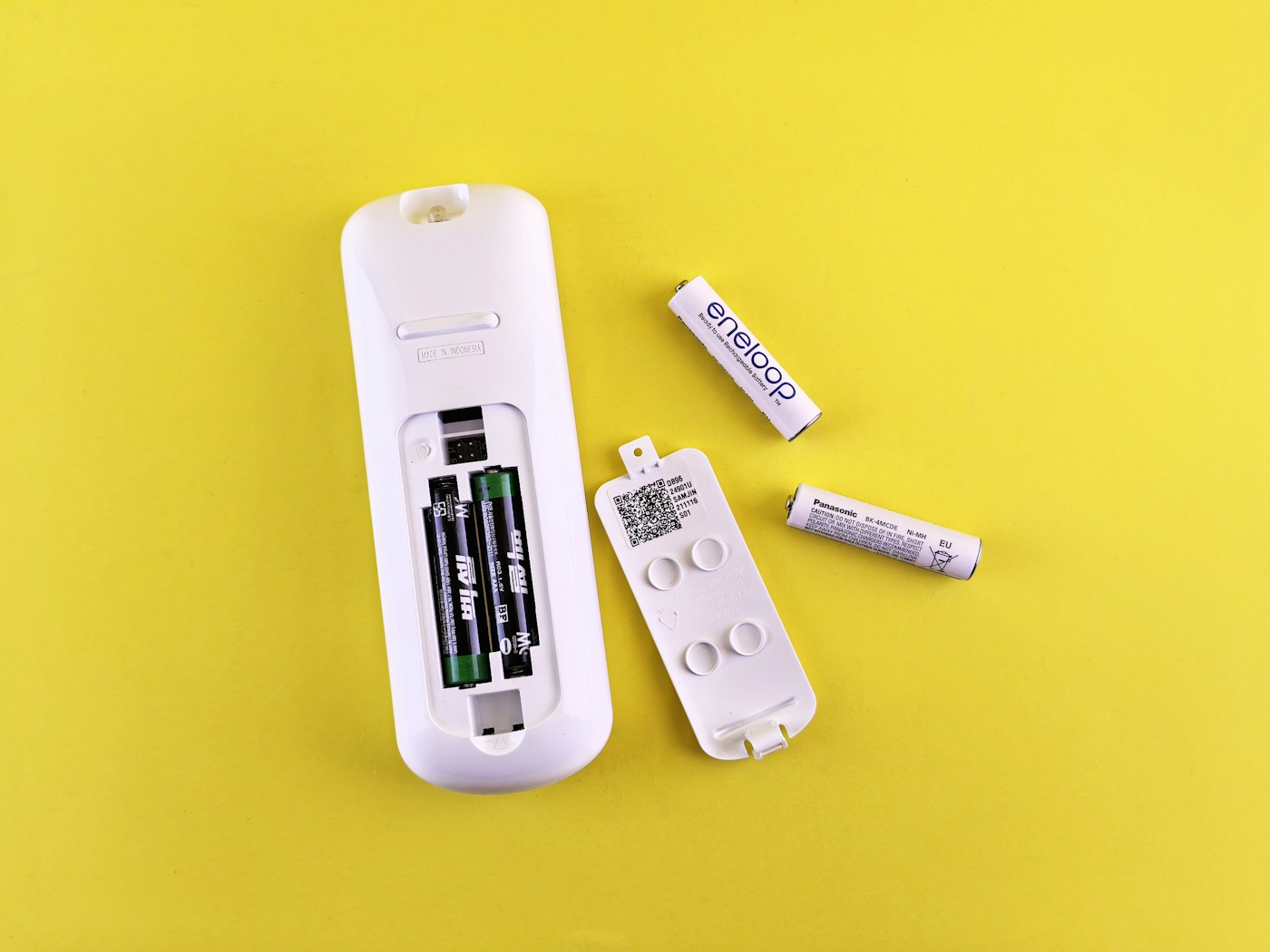
A shallow tray or lidded box on the coffee table or the top of the media cabinet beats any drawer, because remotes go back where they’re easy to drop. Keep it to the remotes you use; a universal remote or the TV’s own voice remote can retire two or three others.
Two safety points from the CPSC shape where that tray goes. First, its tip-over guidance says not to keep remotes or toys on high shelves where children may climb for them. Second, many remotes use button or coin batteries, and the CPSC says to keep remotes and other products with accessible button batteries away from children when the battery door has no screw closure. If yours doesn’t, a lidded box or a strip of tape over the door helps, and a remote with a damaged compartment should be repaired or replaced.
Spare batteries get their own small labeled box in a high cabinet, not loose in the tray. The CPSC’s advice for used button batteries is to tape over the terminals with electrical tape until they’re recycled.
Step 4: Controllers, headsets and games
- Controllers: one charging spot, on an open shelf near an outlet on the strip, so the “whose controller is dead” question has one answer. A two-controller dock covers most households.
- Headsets: a hook on the side of the cabinet keeps the band from being crushed in a drawer.
- Game cases and discs: stand them upright like books in a bin or on a shelf, spines out. If you play mostly digital, keep the few you replay and move the rest to a labeled box in the closet.
- Kids’ games: give them the low shelf. Heavier items belong low too, which the CPSC tip-over guidance also recommends.
A label on each bin helps everyone put things back. Our guide to label makers for home organization compares three types.
Step 5: One path for the cords
The tangle usually comes from cords dropping straight to the floor. The fix is the same one that works under a desk: lift the power strip, then run everything along one path. Our under-desk cable management plan covers the method in detail; at the TV it looks like this.
- Unplug and label. Put a tag at both ends of each power cord: TV, soundbar, box, console.
- Mount the strip on the back of the cabinet, in a spot with airflow and where you can still reach the switch. Use one with internal overload protection, which the U.S. Fire Administration recommends.
- Bundle the cords with reusable ties or a sleeve, running down one back corner to the outlet.
- Keep cords out from under the rug, where the USFA warns they can be damaged or pinched.
- Don’t overload the strip or plug one strip into another. Plug space heaters and major appliances into the wall, never the strip.
A surge protector isn’t the same as a plain power strip: ESFI notes that not all power strips offer surge protection, and that point-of-use surge protectors wear out and need replacing after a period of time or a big surge. While you’re back there, consider which devices really need to stay on. An advanced power strip can switch off the soundbar and console when the TV goes off; our energy monitoring plug picks include one, and the phantom power guide explains why it matters for the bill. Leave the router, DVR and anything that updates overnight on an always-on outlet.
Step 6: Anchor the TV and the stand
This is the step people skip, and the one that matters most if there are kids in the house. The CPSC reports an average of about 17,800 tip-over injuries treated in U.S. emergency departments each year in 2020 to 2022, and says 71% of the people killed in reported tip-overs from 2013 to mid-2023 were children aged one to three.
The CPSC’s advice: anchor TVs and heavy furniture to the wall. If you can’t anchor, put the TV on a sturdy, low base and push it back as far as possible. Keep cords out of reach, and keep the remotes and toys off high shelves so no one climbs for them. Wall-mounted TVs need a mount rated for the TV’s weight, attached to the wall the way the mount’s instructions say; check yours.
Affiliate disclosure: As an Amazon Associate I earn from qualifying purchases. The links below are Amazon searches, not specific products we’ve tested or recommend over others.
- Lidded remote caddy (Amazon search) ↗
- TV and furniture anti-tip straps (Amazon search) ↗
- Cable sleeve for TV cords (Amazon search) ↗
- Two-controller charging dock (Amazon search) ↗
- Reusable hook-and-loop cable ties (Amazon search) ↗
Check that a dock is made for your controller model, and look for a UL or ETL mark on any power strip.
- Everything out; the “everything else” pile leaves the room.
- Each console measured with its maker’s clearance; nothing stacked on the vents.
- Remotes in one low tray; button-battery doors secure or out of kids’ reach.
- Spare batteries boxed and up high.
- Controllers on one charging spot; game cases upright.
- Power strip off the floor, labeled cords, nothing under the rug.
- Router and recorders on always-on outlets.
- TV and stand anchored to the wall.
Can a console go inside a closed cabinet?
Sony says not to put a PS5 in a narrow or cramped space and to keep its vents clear, and Microsoft’s clearance figure for the Xbox Series X assumes a non-enclosed stand. A closed door works against both. Open shelves are the safer choice; if you must use a cabinet, keep the door open while the console runs.
Is it okay to lay a console flat?
Microsoft’s clearance guidance for the Xbox Series X covers both standing and lying flat. For other consoles, the manual says which positions are supported and whether a stand is needed. Check which way the vents face before you choose, and keep the clearance either way.
What if a child swallows a battery from a remote?
The CPSC says to seek medical attention immediately. You can call the National Battery Ingestion Hotline at 800-498-8666 or Poison Help at 800-222-1222 for treatment information, but don’t wait to go to the ER.
Sources: PlayStation Support, PS5 console placement and ventilation · Xbox Series X|S FAQ (clearance figure as reported by Pure Xbox) · CPSC, Anchor TVs and Furniture (2026) · CPSC, Button Cell and Coin Batteries · U.S. Fire Administration, Electrical Fire Safety · ESFI, Surge Protection. General guidance; follow your device’s own manual.
Keep reading
More guides for your space
THE KINDRED JOURNAL
Latest from the journal
- Guest Room That Doubles as Storage: Pick the Bed by Floor Space, Keep the Window Clear
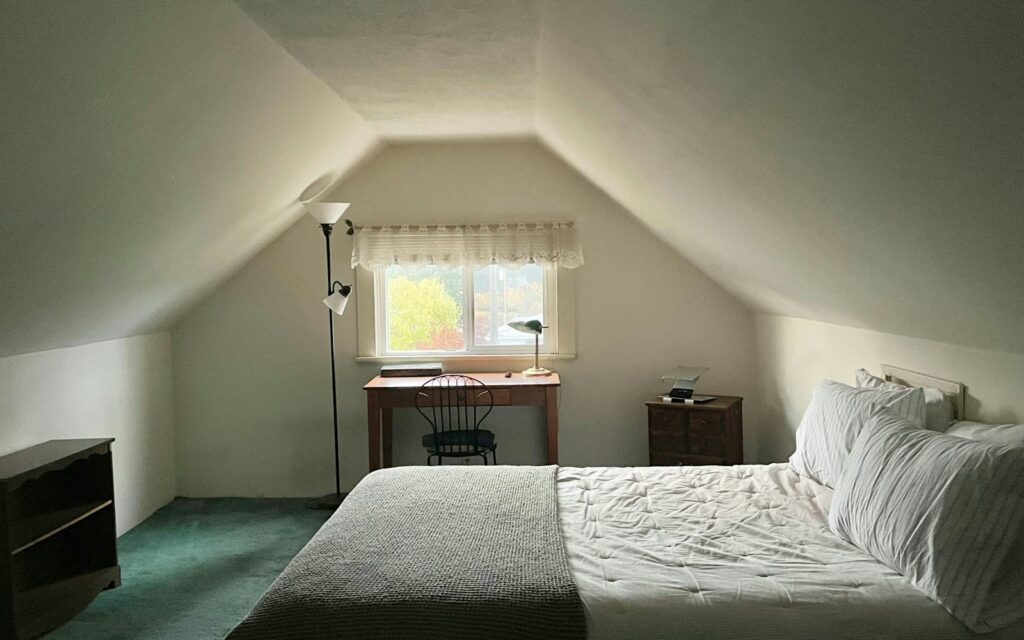 Count the nights the room really hosts, compare bed footprints before comfort, put storage on one wall behind a curtain, keep the window and door clear, leave guests half the closet and one drawer, and pack a single guest bin: a storage room that turns into a guest room in fifteen minutes, with a worked 10 by 11 foot example.
- Dining Room Storage for Holiday Hosting: Measure the Walkway First, Then Fit the Sideboard
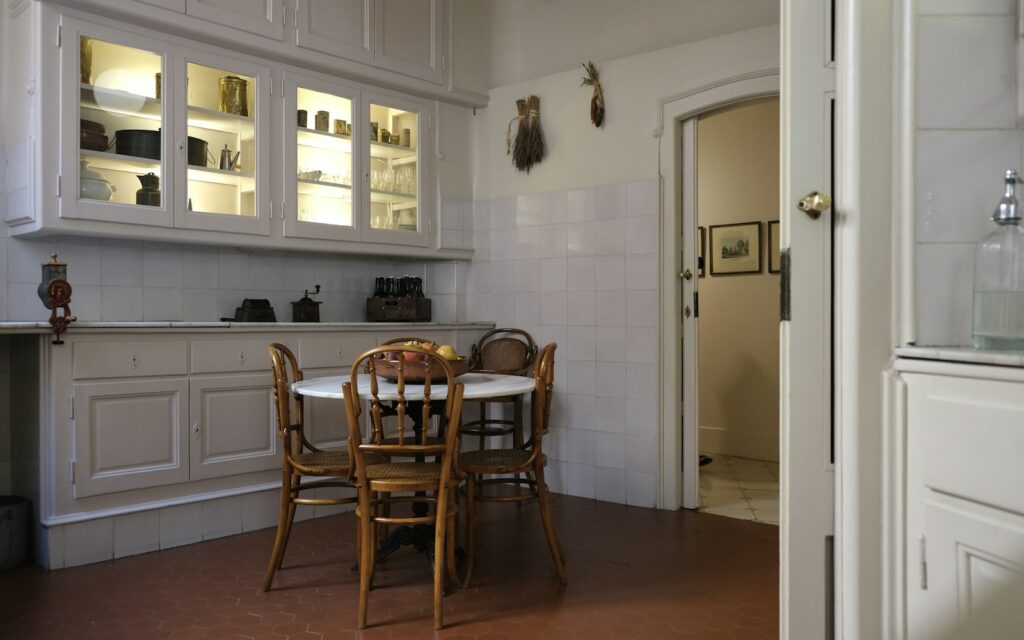 Measure the table with the leaf in, leave 44 inches where people walk and 32 where nobody passes, subtract the sideboard’s depth before you buy, anchor the hutch and give the leaf, extra chairs and holiday linens a home: dining room storage planned for the biggest night of the year, with a worked placement example.
- Winter Car Emergency Kit: 12 Things to Pack and Where Each One Should Ride
 Start from the National Weather Service list, put the heavy gear in one strapped-down trunk bin, keep the blanket, light and charger in the cabin and the scraper in the door, and know the stranded-car basics: twelve ideas for a winter car kit that stays packed until February.
- Smoke and CO Alarms: A One-Hour Audit of Where They Go, How Old They Are and What to Replace
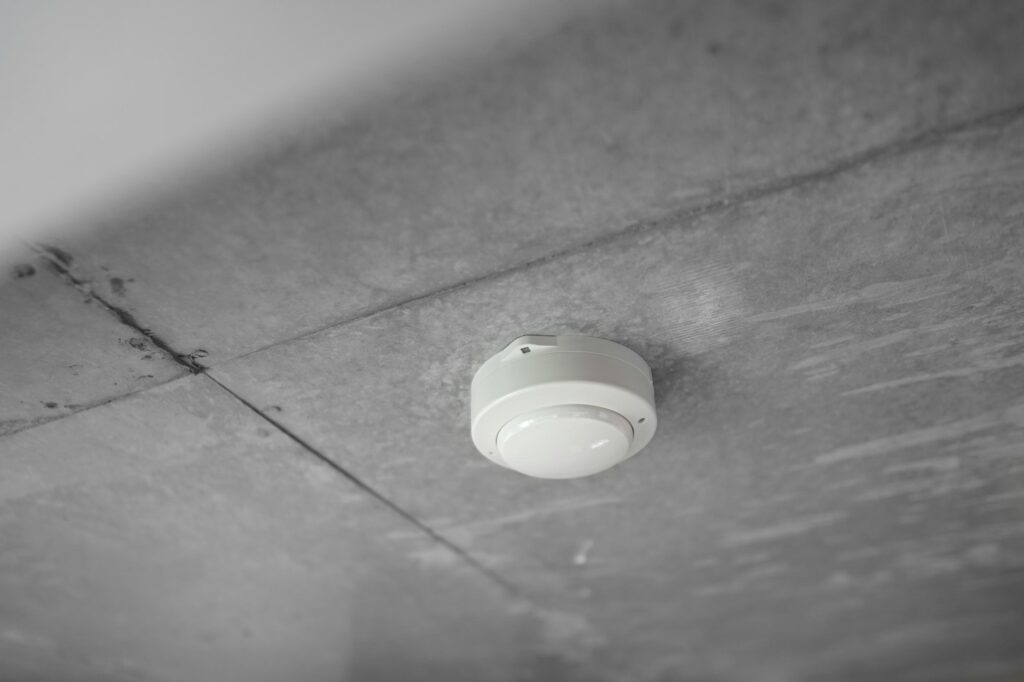 Put a smoke alarm in every bedroom, outside each sleeping area and on every level, add CO alarms outside sleeping areas, keep them 10 feet from the stove, read the date on the back and replace anything 10 years old: a one-hour alarm audit, with a worked two-story example.
- Winter Home Maintenance Checklist: Do the Safety Jobs First, Then the Water, Then the Savings
 Book the furnace and chimney check, clear 3 feet around every heat source, mark the outdoor vents before snow buries them, work out how many gallons each downspout carries and extend the heavy ones: a winter maintenance checklist sorted by what happens if you skip it.
- Blanket Storage Ideas for the Living Room: 12 Ways to Keep Throws Handy (and Off the Floor)
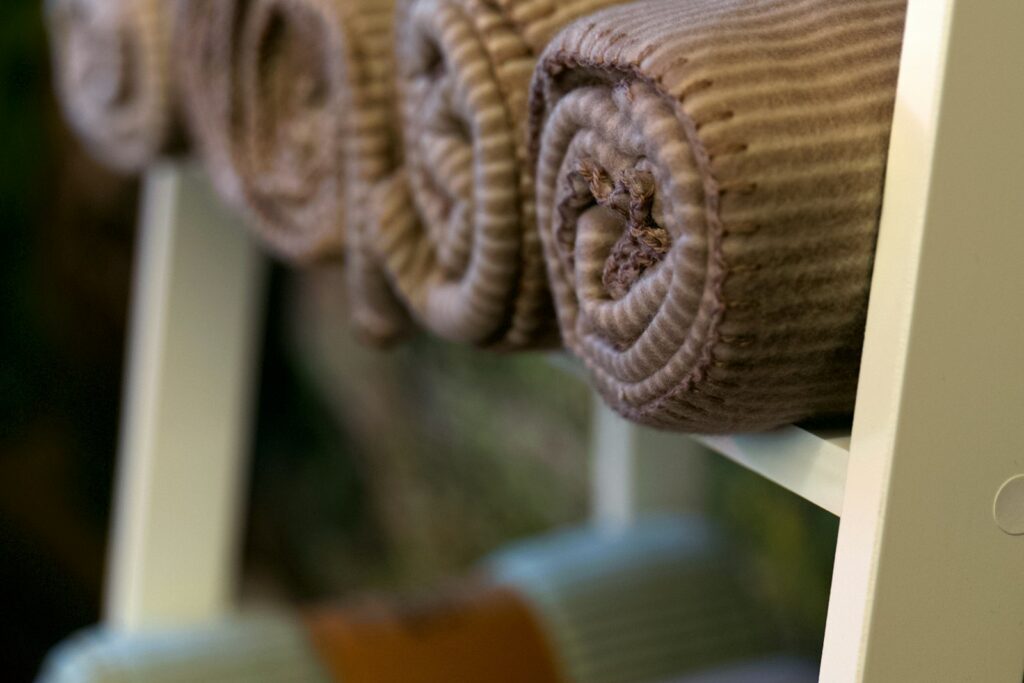 Keep one throw per sitter in an open basket, move the extras behind a lid, measure a folded throw before you buy, keep every blanket 3 feet from the fireplace and check that chest lids can’t latch: twelve blanket storage ideas for the living room, with a basket-fit example.
- Holiday Stain Removal: What to Do About Wine, Gravy, Wax and Cranberry Before Anything Hits the Dryer
 Blot from the back, give wine and cranberry cool water, rub dish soap into gravy, freeze and iron out candle wax, soak eggnog in an enzyme presoak and check every spot before the dryer: a holiday stain guide sorted by stain family, with a worked morning-after tablecloth example.
- Christmas Tree Safety: Where to Put It, How to Water It and When It Has to Go
 Pick a tree whose needles stay put, cut 2 inches off the trunk, water it every day, keep it 3 feet from the fireplace, heater and vents, use listed lights and get it out of the house once it’s dry: Christmas tree safety, with a placement example for a small living room.
- Charging Station Ideas: 13 Ways to Give Every Family Phone, Tablet and Earbud One Spot
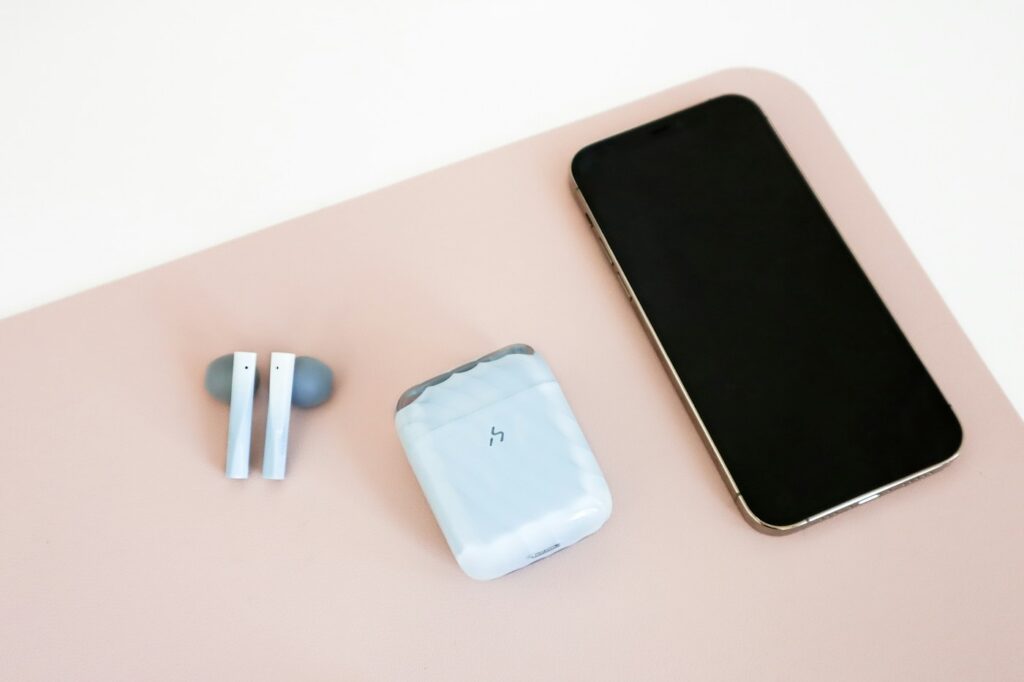 Put it where devices already land, count the ones that charge every night, swap the brick pile for one listed multiport charger and keep it open, flat and off the couch: thirteen ideas for a family charging station that ends the 7 a.m. cable hunt.