Here’s the usual way a family ends up with chargers everywhere: every new phone, tablet and pair of earbuds comes with its own cable, each one gets plugged in wherever it was first needed, and five years later there are cords in the kitchen, two bedrooms, the couch and the car, and nobody can find a working one at 7 a.m. A family charging station fixes that by giving every device one place to land. These thirteen ideas cover where to put it, how many ports you really need, and the safety basics that matter when several batteries charge in one spot.
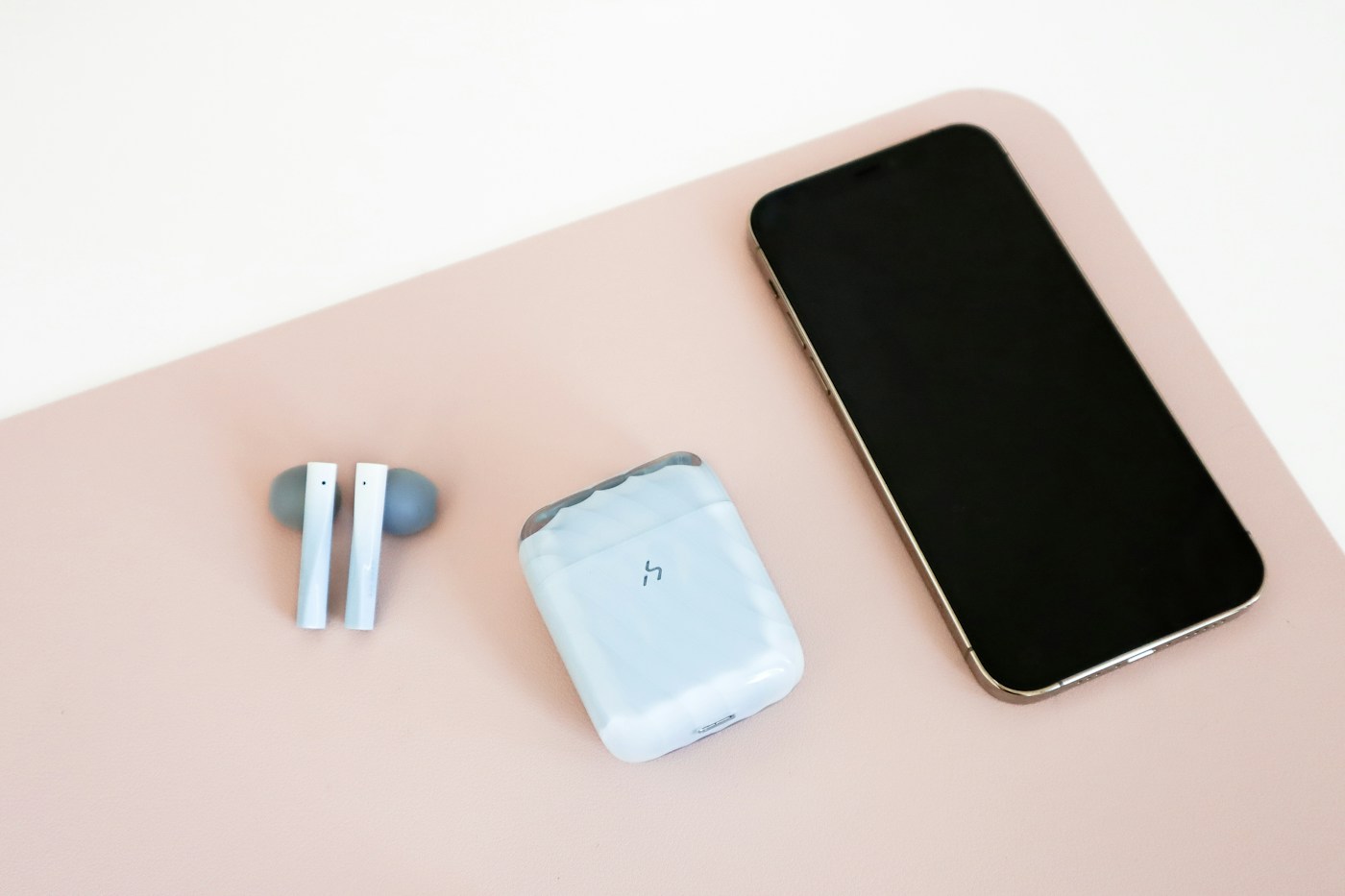
Pick one spot on a hard, flat surface near an outlet, out of the walkway and away from the sink and stove. Count the devices that charge every night, then use one multiport charger and short, color-coded cables instead of a pile of separate bricks. Keep the station open and ventilated, never on a bed or couch, and retire any cable that’s frayed or any device that’s swollen or hot. A small tray for earbuds and watches stops the little things from wandering.
Pick the spot
1. Put it where devices already land
The best charging station is the one on the path people already walk. For many families that’s the end of a kitchen counter, a console table near the door or a shelf in the family command center, because that’s where phones get set down when people come home. A station tucked in a spare room looks tidy and stays empty. Watch where devices pile up for a few days, then put the station there.
Try it if you want one shared spot for the whole house. Skip it if your household runs better with a small charger in each bedroom; then use these ideas per room instead.
2. Keep it out of the hallway and the exit path
The Electrical Safety Foundation International (ESFI) says never to charge devices near doors or hallways where they could block an exit. That matters for entryway stations: put the charger on a table or shelf to the side of the door, not on the floor in front of it, and keep cords from crossing the walkway. Our small entryway storage plan has walkway measurements for that corner.
3. Choose a hard, flat surface, never the couch or bed
The U.S. Fire Administration advises charging devices on solid, flat surfaces and not on cushions or bedding. ESFI adds that devices should be kept away from things that can catch fire, including bedding and couches. Apple’s safety guide for iPhone says not to sleep on the phone or its charger while it’s connected, or put them under a blanket, pillow or your body. A charging station on a counter or table gives kids an easy alternative to plugging in on the sofa or under the covers.
4. Keep it away from the sink and the stove
A kitchen counter is often where the outlets are, but Apple’s guide warns against charging in wet locations or handling the adapter with wet hands. Pick the end of the counter farthest from the sink, and keep cords away from the range and toaster. If the counter is already crowded, our kitchen counter ideas show which spots to keep clear for cooking.
Size it to your family
5. Count the devices that charge every night
Not every device needs a port all the time. Phones usually charge nightly; tablets, earbud cases and watches often go every day or two; game controllers and e-readers much less often. Plan for the nightly group plus one or two spare ports, and let the occasional devices take turns.
| Device | How many | Charges | Needs a port every night? |
|---|---|---|---|
| Phones | 3 | Nightly | Yes: 3 ports |
| Tablets | 2 | Every day or two | Usually: 1 to 2 ports |
| Earbud cases | 3 | Every few days | Share 1 port |
| Smartwatch | 1 | Nightly | Yes: 1 port (its own charger) |
| Game controllers | 2 | Weekly | No: charge at the console |
That’s 11 devices, but about 6 or 7 ports cover a normal night. Counting first keeps you from buying a 10-port station that’s half empty, or a 4-port one that starts a nightly argument. Your numbers will differ, so count yours.
6. Swap the brick pile for one multiport charger
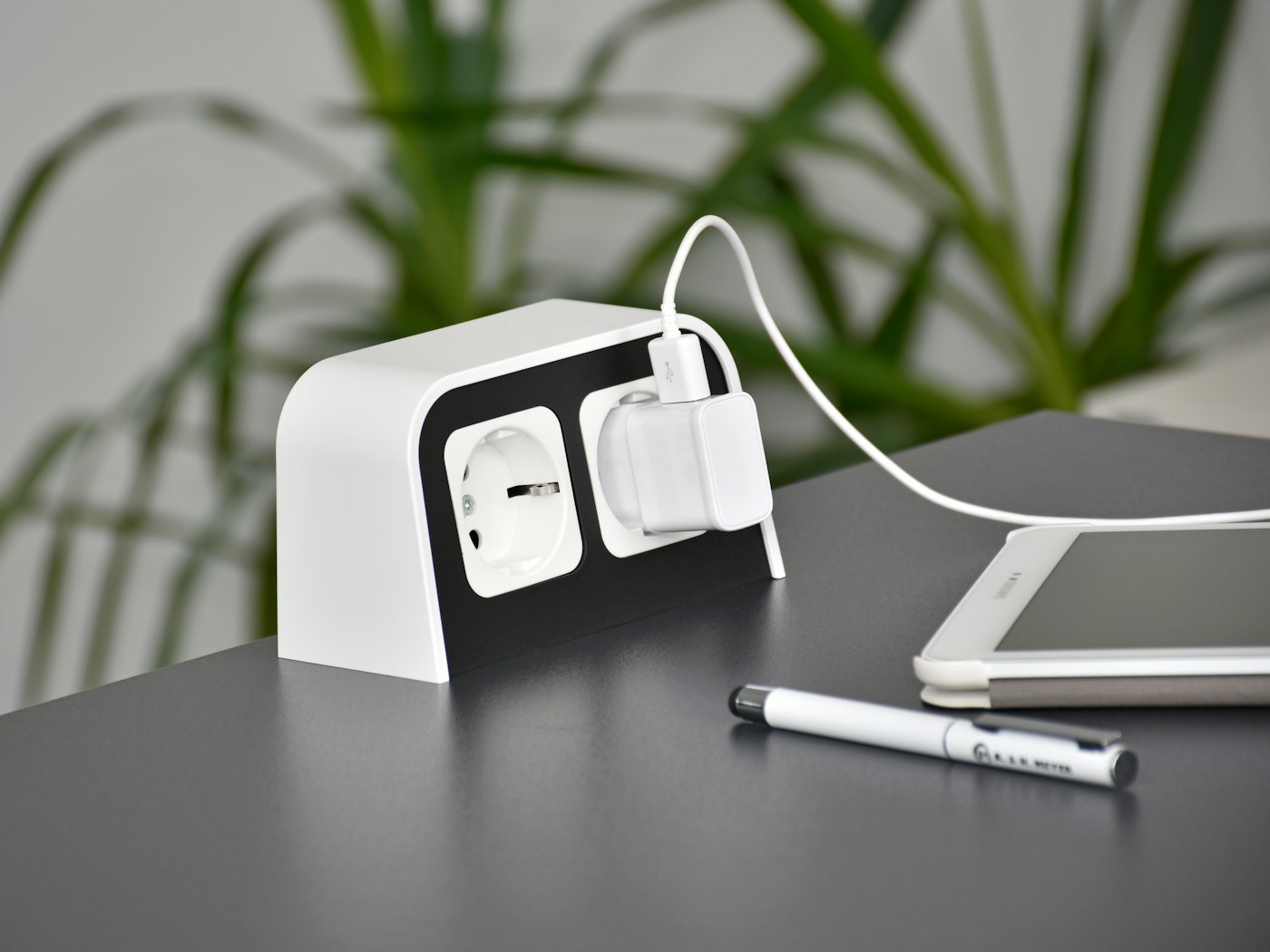
Four separate wall adapters take four outlets and a tangle of cords. A single multiport USB charger can run several devices from one plug. Two things to check on the listing: the total output and how it’s split, since many multiport chargers share their wattage across ports, so a tablet may charge slower when every port is busy; and that the charger is listed by a Nationally Recognized Testing Laboratory such as UL, ETL or CSA, which ESFI recommends for batteries and chargers. USFA also advises using original or certified replacement chargers and cables rather than cheap copies.
Our energy monitoring smart plug picks include a smart power strip if you’d rather the whole station switch off on a schedule.
7. Don’t stack power strips
ESFI points out that a power strip gives you more access to the same limited circuit, not more power, and that relying on lots of power strips is a sign you need more outlets. Plug the station’s strip or charger straight into a wall outlet, don’t plug one strip into another, and don’t run cords under a rug, where ESFI says they can overheat. Our under-desk cable plan covers getting a strip off the floor.
Make it easy to use
8. Use short cables, one color per person
Long cables are what turn a station into a nest. For a tabletop station, cables around 1 to 3 feet usually reach without looping; measure from the charger to where each device will sit. Giving each person a cable color (or a colored tag on the plug end) ends the “that’s my charger” debate and makes it obvious when one walks off to a bedroom.
9. A divided box or stand, open at the top
A charging organizer with slots holds phones and tablets upright, which fits more devices on less counter. Look for one with an open top or vents, and don’t close a lid over devices while they charge: Apple’s guide says to keep the phone, adapter and any wireless charger in a well-ventilated area, and USFA notes that blocking airflow during charging raises fire risk. A box with a lid works fine as storage once everything is unplugged.
Skip it if the only spot is inside a closed cabinet or drawer; pick an open shelf instead.
10. A wireless pad for the drop-and-go phone
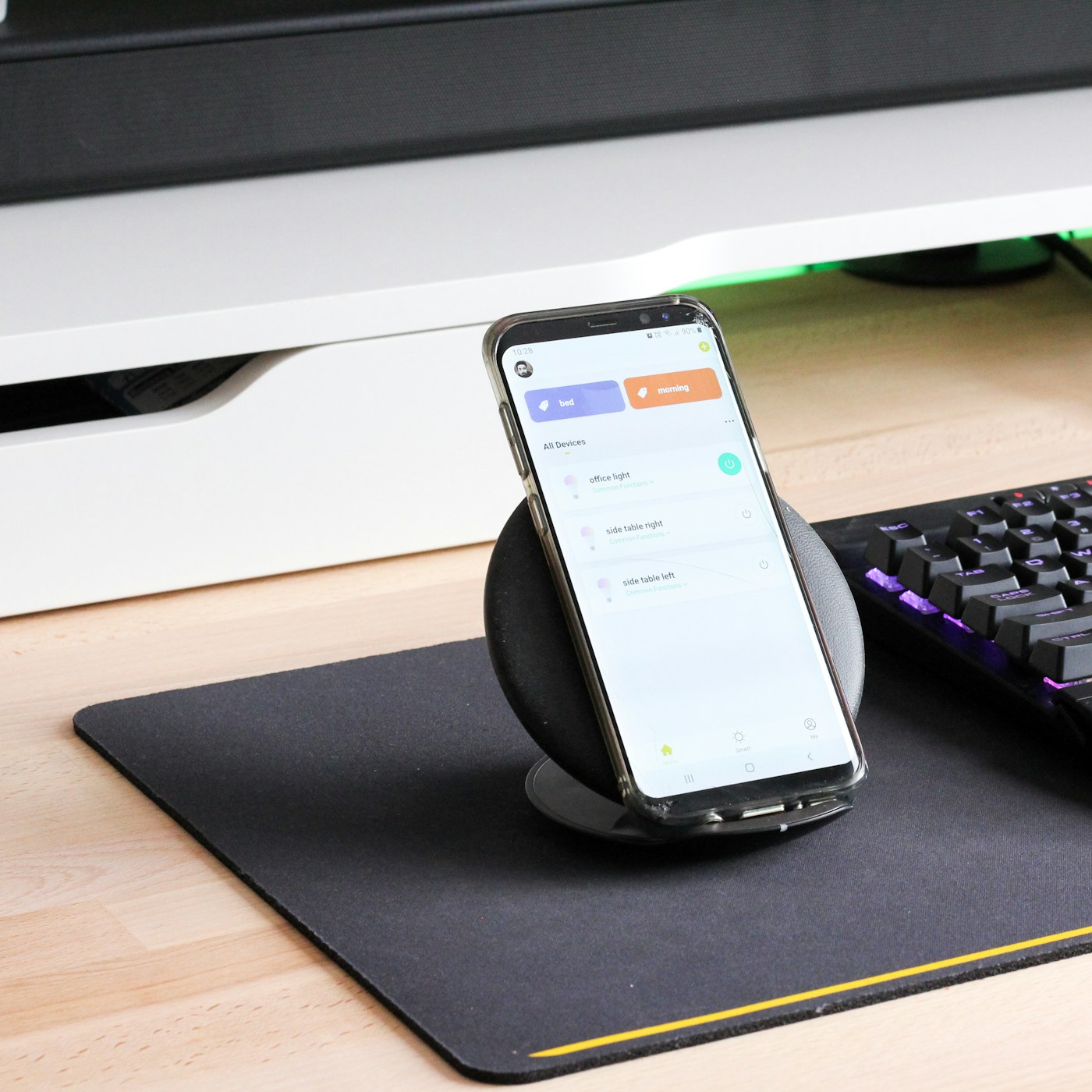
For the family member who never remembers to plug in, a wireless pad lowers the effort to “set it down.” It’s usually slower than a cable and works only with phones and earbuds that support wireless charging, so check the device first. Thick or metal-backed cases can get in the way; the charger’s listing usually says which case thickness it supports.
11. A small tray for earbuds, watches and the stray cable
Earbud cases and watch chargers are small enough to get swept into a drawer or a pocket. A shallow dish or tray at the station gives them a home, and it doubles as the spot where spare earbud tips and a watch band live. If the tray starts filling with mystery cables, that’s a sign it’s time for a cable sort, not a bigger tray. Our cord and cable storage ideas walk through the sort and where the spares should live.
12. A label on each port
A small label on the charger or the shelf edge (“Mom,” “tablet,” “earbuds”) helps younger kids put devices back in the right place and keeps the nightly ports free for the nightly devices. A label maker does this neatly; see our label maker comparison, or use a strip of tape and a marker.
Keep it safe over time
13. Check cables and batteries once a month
Apple’s guide says to stop using any cable or adapter that’s frayed, damaged or exposed to liquid. USFA says to stop using a device right away if its battery is smoking, hissing, punctured or swollen. A once-a-month look when you wipe down the station is enough: bin the cables with split jackets or bent plugs, and set aside any device whose case is bulging or that’s unusually hot to the touch. ESFI also suggests stopping charging once a device is full, which a scheduled smart plug can handle overnight; our phantom power guide covers what else on that outlet is drawing power when nothing’s charging.
Affiliate disclosure: As an Amazon Associate I earn from qualifying purchases. The links below are Amazon searches, not specific products we’ve tested or recommend over others.
- Multiport USB-C charger (Amazon search) ↗
- Charging organizer with device slots (Amazon search) ↗
- Short USB-C cables in mixed colors (Amazon search) ↗
- Outlet shelf for small spaces (Amazon search) ↗
- Color-coded cable tags (Amazon search) ↗
Check total output, port types and a testing-lab listing (UL, ETL or CSA) before you buy a charger.
- Spot chosen where devices already land, on a hard, flat surface.
- Not in front of a door or across a hallway; cords out of the walkway.
- Away from the sink, the stove and direct sun.
- Nightly devices counted; ports for those plus one or two spares.
- One listed multiport charger or strip, plugged straight into the wall.
- Short cables, one color or tag per person.
- Open or vented organizer; no lid closed over charging devices.
- Tray for earbuds, watch chargers and spare tips.
- Monthly check for frayed cables and swollen or hot devices.
Is it OK to charge phones in a drawer?
The safety guidance here favors open, ventilated spots: Apple says to keep the phone and charger in a well-ventilated area and not to cover them while charging, and USFA warns that blocked airflow raises fire risk. If you want devices out of sight, an open shelf or a slotted organizer is the safer choice than a closed drawer.
Would a charging station make a good holiday gift?
It can, especially for a family that’s always hunting for a cable. Pair a multiport charger with color-coded cables so it’s ready to use. Our gifts for organized people list has more ideas.
Sources: ESFI, How to Store and Charge Batteries · U.S. Fire Administration, Lithium-Ion Batteries: Everyday Convenience, Hidden Fire Risks · ESFI, Indoor Electrical Safety Check · Apple, Important safety information for iPhone. General guidance; follow each device maker’s charging instructions.
Keep reading
More guides for your space
THE KINDRED JOURNAL
Latest from the journal
- Winter Storm Emergency Kit: What to Pack and Where Each Part Should Live in the House
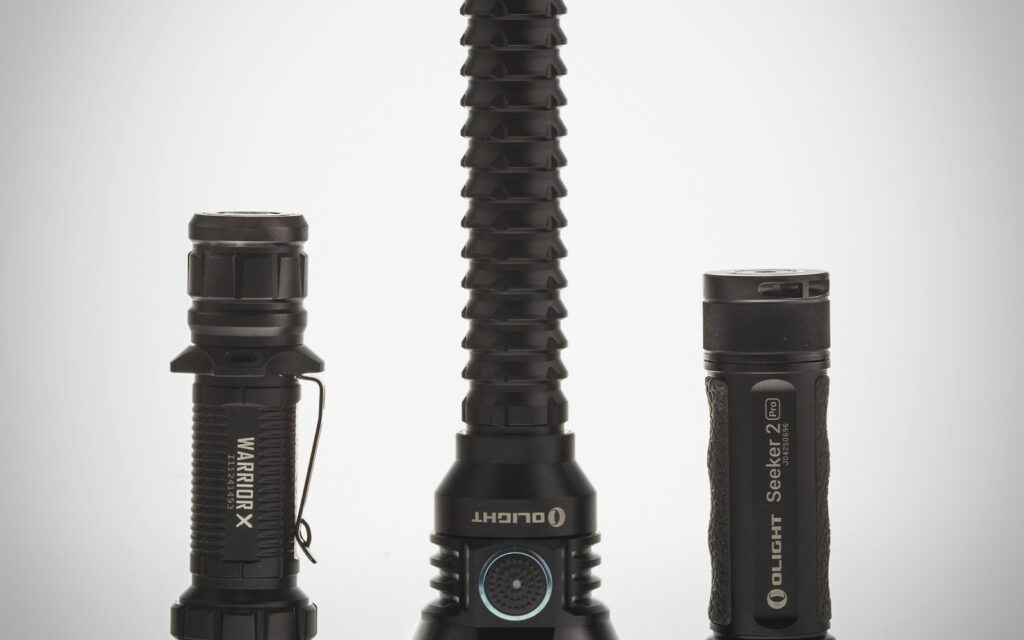 Store a gallon of water per person per day for several days, split the kit into a light grab-and-go bin by the exit, a cool stay-put shelf for the heavy water and food, and a flashlight in every bedroom, keep generators 20 feet out, and check it all every spring and fall: a winter storm kit with a worked family-of-four example.
- Window Insulation Film: Does It Work? Sort Your Windows First, Then Do the Math
 Shrink film adds about R-1 and stops sash drafts, so it roughly halves heat loss through single-pane glass but barely helps a tight low-e window: sort your windows with the paper test, work out one window’s savings, keep the tape on trim and plan the way out of bedrooms.
- What Holiday Lights Really Cost to Run: LED vs. Incandescent, With the Math for Your Own Display
 Read the watts off each tag, multiply by your hours and your own rate, and the answer is clear: eight incandescent strings cost about $25.70 a season in our worked example and their LED versions about $2.18, big C9 bulbs pay back an LED swap in about three seasons, and working mini lights can wait.
- Ideal Indoor Humidity in Winter: Find Your Number, Check Your Meter, Then Add Only What the Room Needs
 Aim for 30 to 50% and never humidify past 50%, let the windows set the limit on the coldest nights, salt-test your hygrometer before you trust it, seal drafts first because a whole bedroom needs only about 4½ ounces of water, and clean the tank on a schedule: a winter humidity guide with the math worked out.
- Toy Storage Ideas: 13 Ways to Make Room Before the Holiday Toy Wave
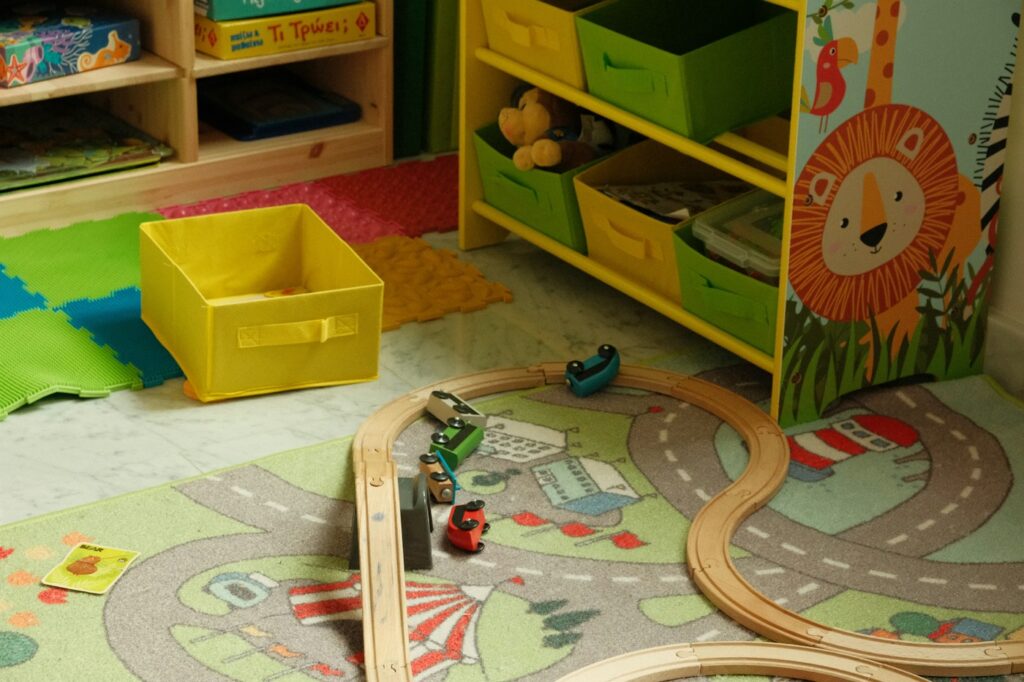 Edit the toys before the gifts arrive, give each kind of play one open bin on an anchored low shelf, keep small parts and spare batteries out of a toddler’s reach, skip latching lids and rotate the extras: thirteen toy storage ideas for the weeks before and after the holidays.
- Best Gift Wrap Organizers: 5 Picks for a Closet Corner, Under the Bed or the Back of a Door
 An upright box that holds up to 32 long rolls, a 41.5-inch under-bed bag for big collections, a water-resistant zip bag, an over-the-door organizer and a slim canvas case for eight rolls: five gift wrap organizers matched to the space you can give them.
- Cord and Cable Storage: 13 Ideas for the Spare Chargers, Cables and Adapters Nobody Can Find
 Match every cable to a device you still own, keep a sensible number of spares by connector type, coil them loosely, label the mystery bricks, hang the extension cords and send old batteries and dead cables to a proper drop-off: thirteen ways to store spare cords so the right one turns up in seconds.
- Window Condensation in Winter: Find Which Side the Water Is On, Then Match Humidity to the Forecast
 Do the wipe test to tell room-side fog from a failed seal, check a hygrometer against the outdoor low, keep humidity at or under 40% above 20°F and 30% below 10°F, run the fans, open the curtains by day and dry wet sills the same morning: a window condensation guide with a worked cold-week example.
- How to Clean a Range Hood Filter Before Holiday Cooking: Know Your Filter Type, Then Put It on the Calendar
 Wash metal mesh and baffle filters in hot soapy water or the dishwasher, replace charcoal filters instead of rinsing them, never run the hood with the filter out, and clean the weekend before Thanksgiving and again before Christmas: a range hood filter guide with a worked holiday cleaning calendar.